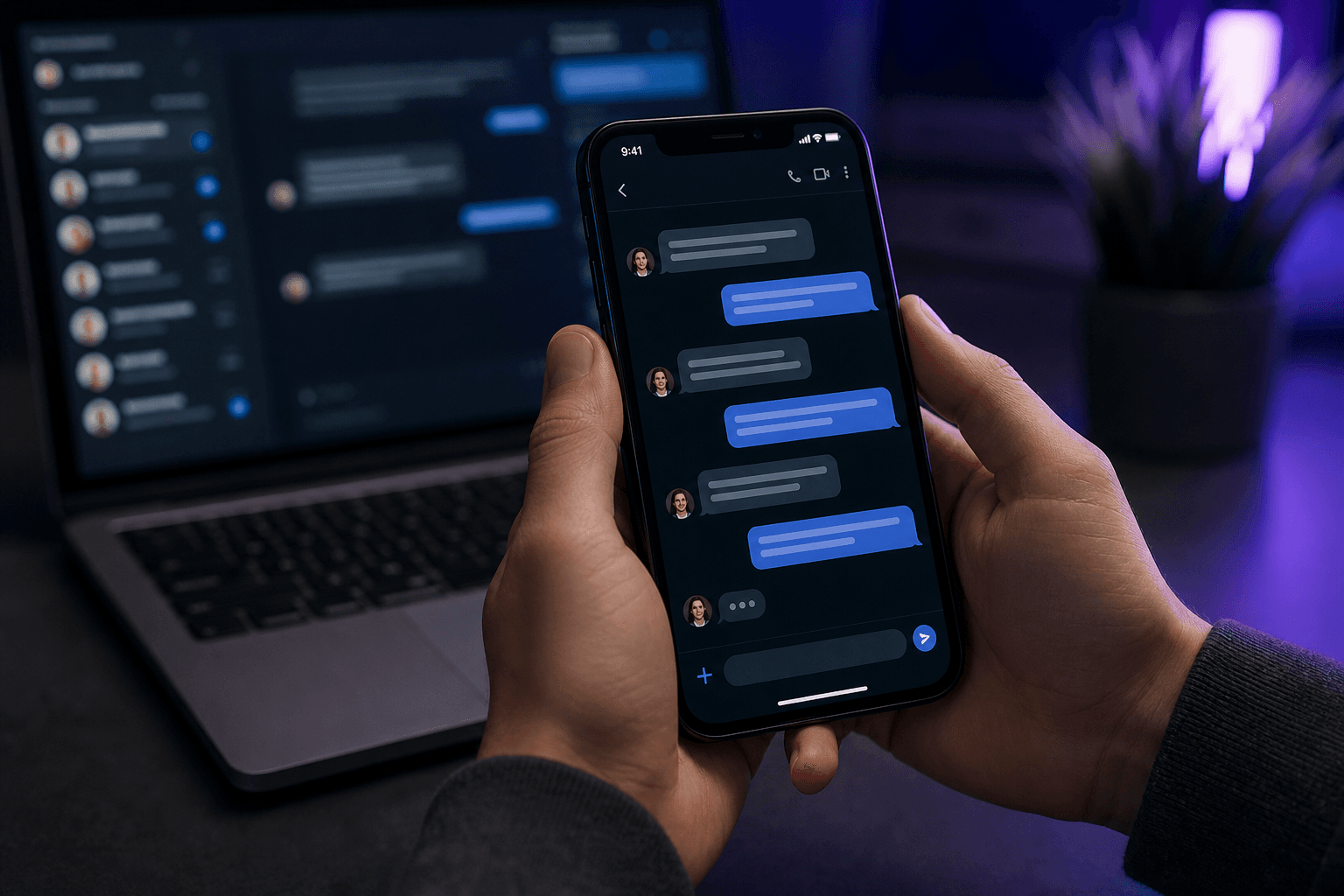
Chat tools punish delay and punish the wrong tone. A Slack reply that sounds like a formal email feels stiff. A WhatsApp reply that sounds like a legal memo feels weird. An AI reply generator only helps if it respects the channel.
Channel tone cheatsheet
- Slack: short paragraphs, clear ask, light context.
- Microsoft Teams: slightly more structured, good for decisions and owners.
- WhatsApp: conversational, minimal preamble, one ask.
- Email: subject line, greeting optional by culture, explicit next step.
A faster reply loop
- Capture the context: screenshot the thread or paste the last messages.
- Add your intent in one sentence: “Agree, propose Thursday, ask for deck.”
- Generate a channel-specific draft.
- Trim anything that sounds like corporate filler.
- Paste and send only after a 10-second accuracy check.
Screenshot-to-reply is underrated
On mobile, copying a whole Teams or WhatsApp thread is painful. A screenshot preserves names, order, and the question you are answering. OCR plus an AI reply draft is often faster than retyping context into ChatGPT. Kloven supports that path under screenshot-to-reply style capture on the features page, and with the iOS Share sheet you can now send the thread or screenshot straight into Kloven from whatever app you are in.
Keep human judgment
AI is bad at politics, sarcasm, and sensitive HR topics. If the thread is emotional or legal, write it yourself or heavily edit. Speed tools are for operational messages: scheduling, updates, confirmations, and follow-ups.
For the voice-first version of the same idea, see how to turn voice notes into emails. To compare tool types, see ChatGPT vs dedicated AI writing apps.