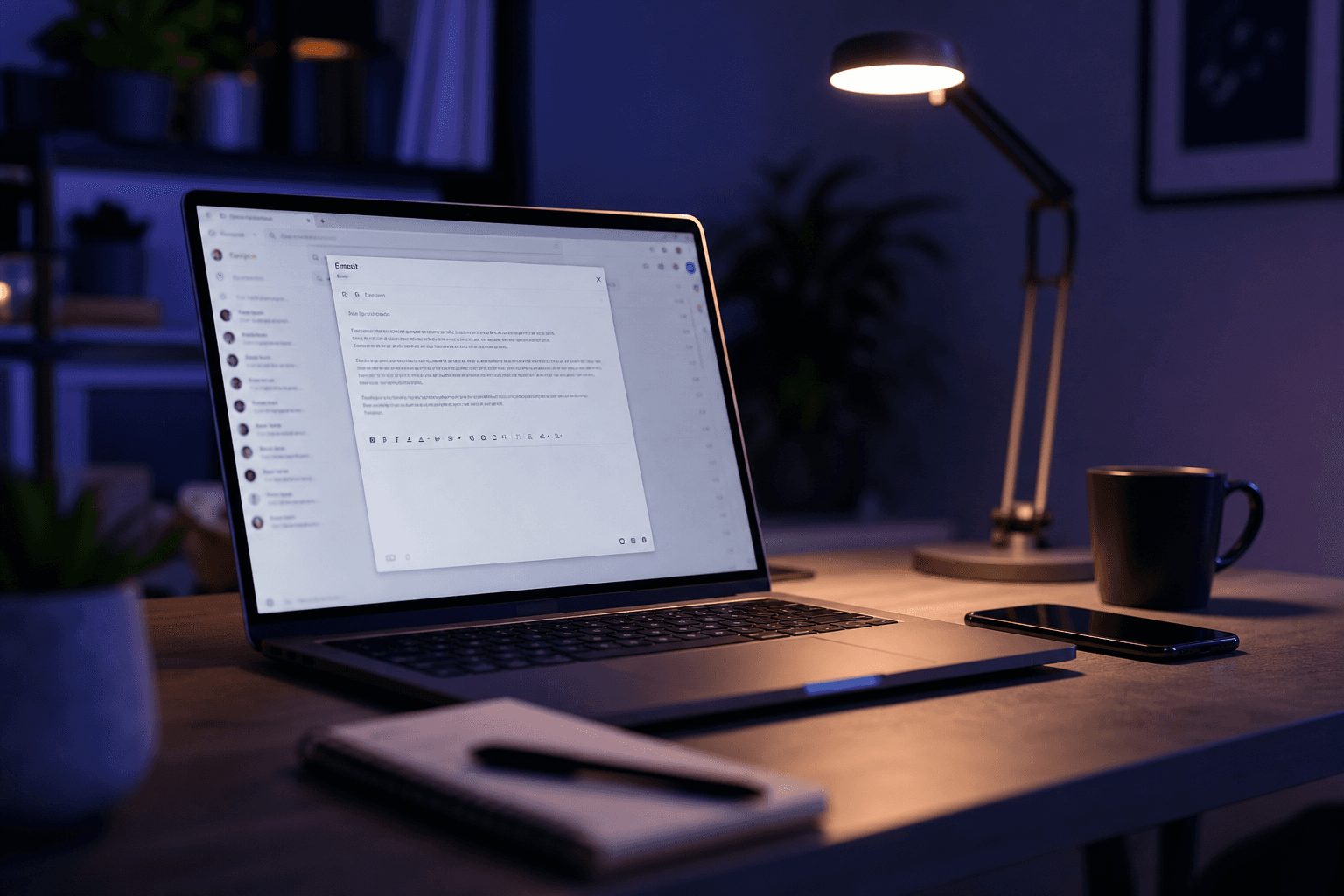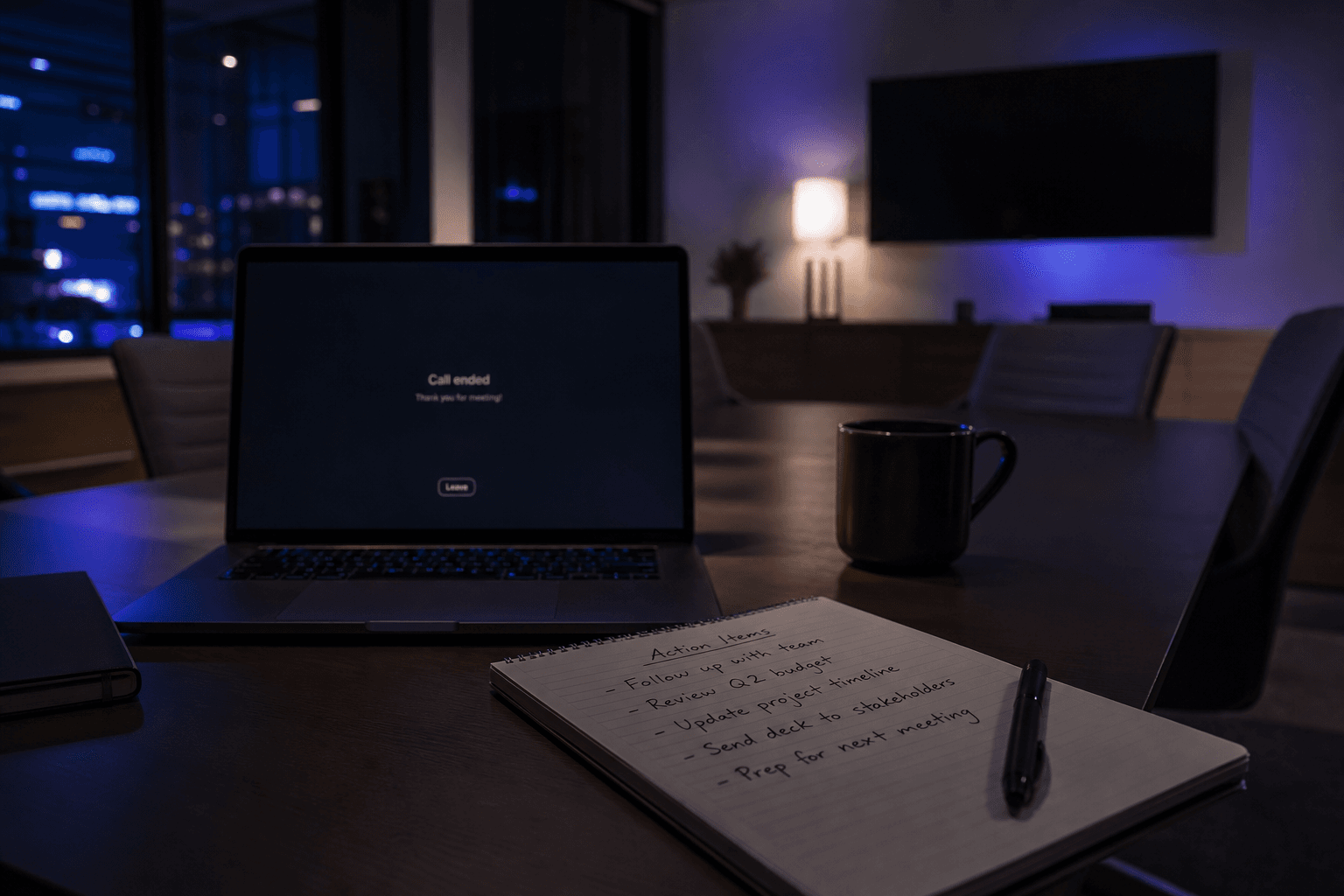
You already know what to say after most calls. The delay is typing. A solid voice-to-email workflow captures the spoken version while it is still sharp, then converts it into a professional email you can send with light edits.
Why voice beats typing for first drafts
Speaking is roughly 3x faster than typing for most people. More important: after a meeting, your structure is already in your head. If you wait until you are back at a keyboard, you rebuild the argument from scratch and usually write a weaker version.
A simple voice-to-email workflow
- Before you open your laptop, record a 30-90 second voice note: who, what happened, decision, next step, deadline.
- Convert the note into an email draft with clear subject and paragraphs.
- Edit names, numbers, and commitments. AI is fast; you own accuracy.
- Copy into Gmail, Outlook, or your CRM email composer.
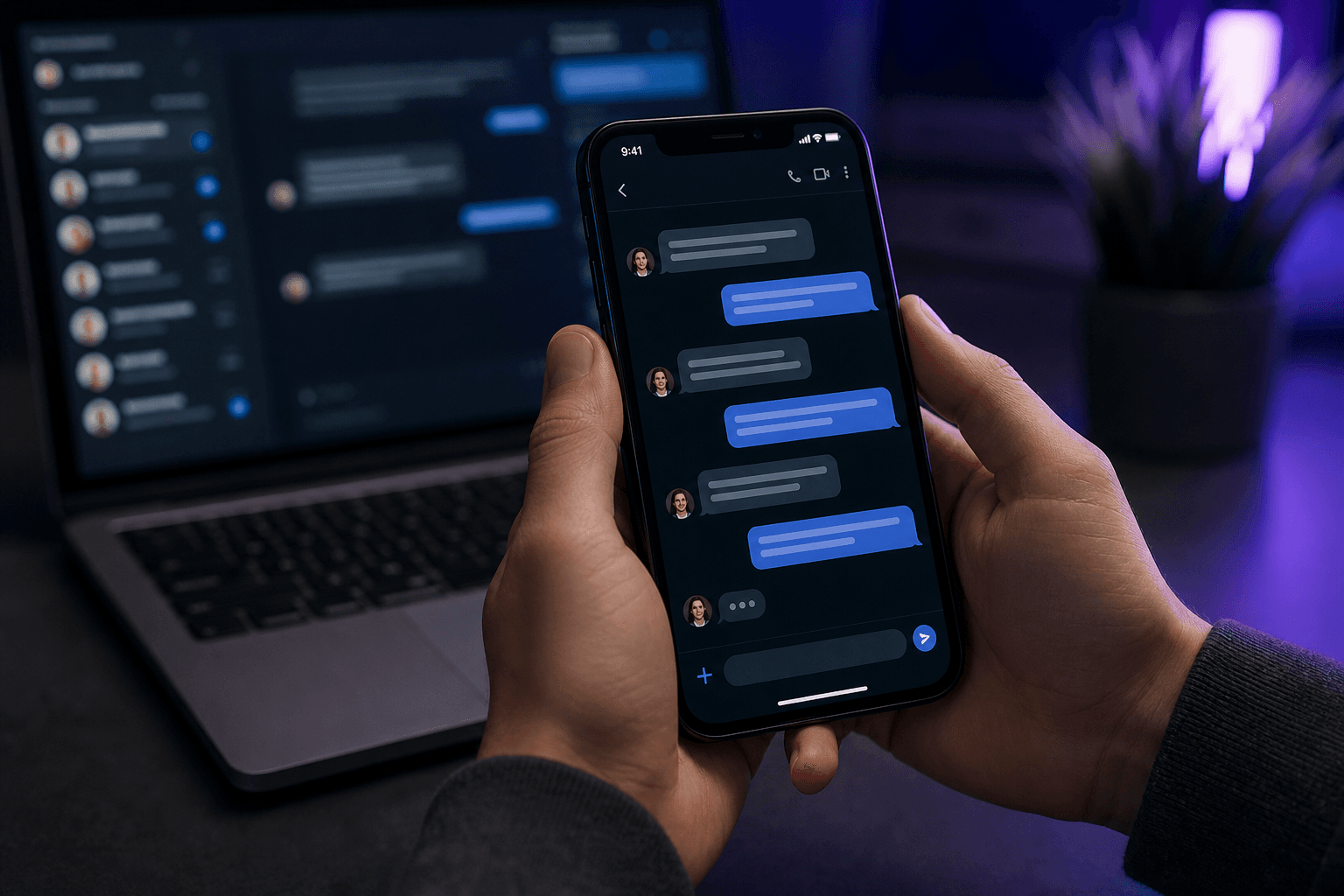
- If the same update needs Slack or WhatsApp, convert formats instead of rewriting.
What to say in the voice note
Do not perform. Talk like you would to a teammate. A useful template:
- Audience: “Email to Jamie and Priya.”
- Outcome: “We agreed to delay the pilot to next Thursday.”
- Reason: “Connector permissions are still blocked.”
- Ask: “Need confirmation by Wednesday noon.”
- Tone: “Keep it concise and calm.”
Phone dictation vs AI email conversion
Built-in phone dictation gives you a transcript. An AI voice-to-email tool removes filler, structures paragraphs, and matches channel tone. If you only need notes for yourself, dictation is enough. If someone else will read it, convert.
Kloven is built for that second case: record on your phone, get a send-ready draft, then paste where the conversation lives. For channel switching after the draft exists, see faster replies for Slack, Teams, and WhatsApp.
Common mistakes
- Recording a five-minute ramble with no ask.
- Sending the first draft without checking dates and names.
- Using the same formal email tone for WhatsApp.
- Skipping a subject line when the recipient is busy.
Try it on your next call
Pick one recurring pain: client update, internal summary, or meeting follow-up email. Record once. Compare total time against typing from a blank screen. If you want the product path, start on the Kloven download page.